Photo Info Scanner
In development iPhone · AndroidPhoto Info Scanner is a utilities app for iPhone and Android. Pull links, text and places out of your photos. Choose how many photos to scan.
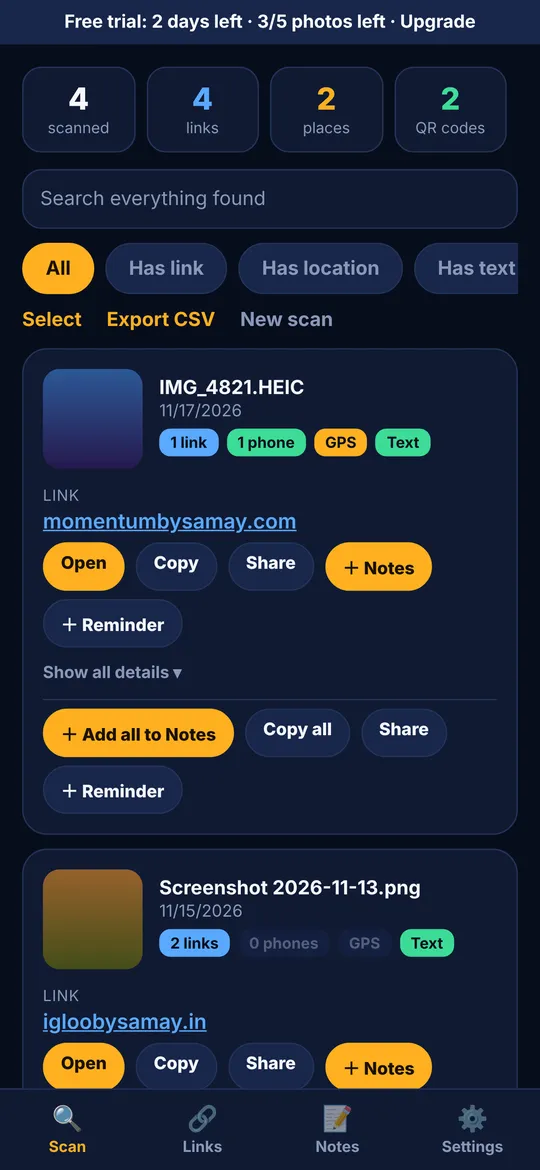
Photo Info Scanner screenshots
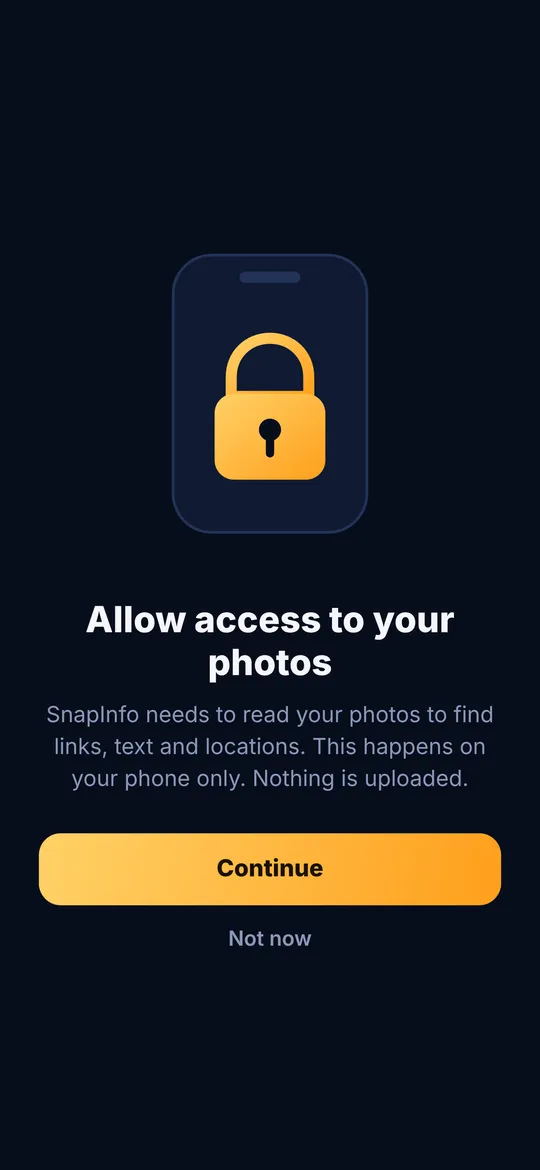
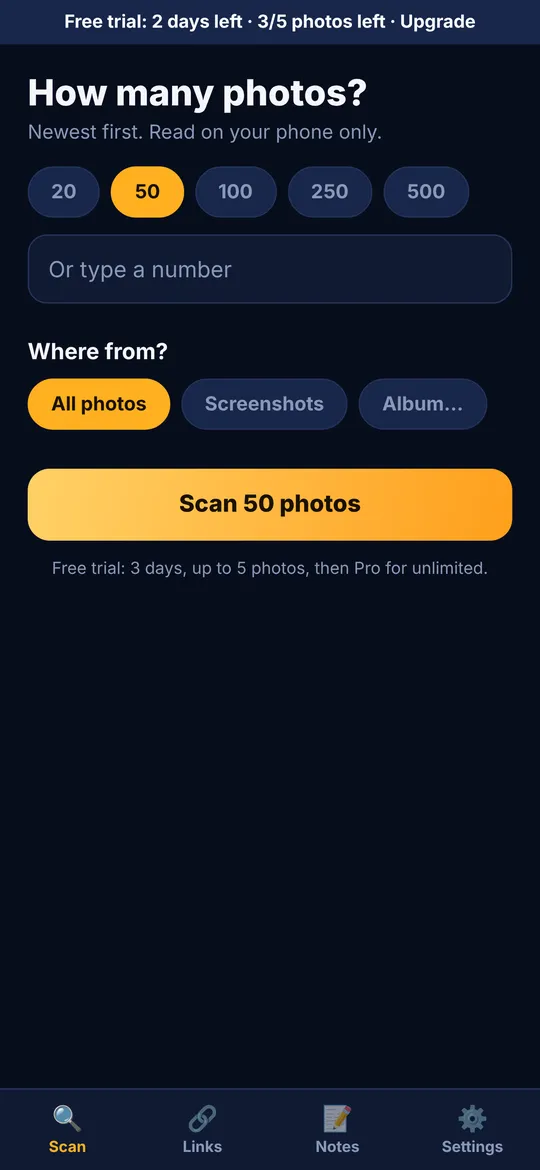
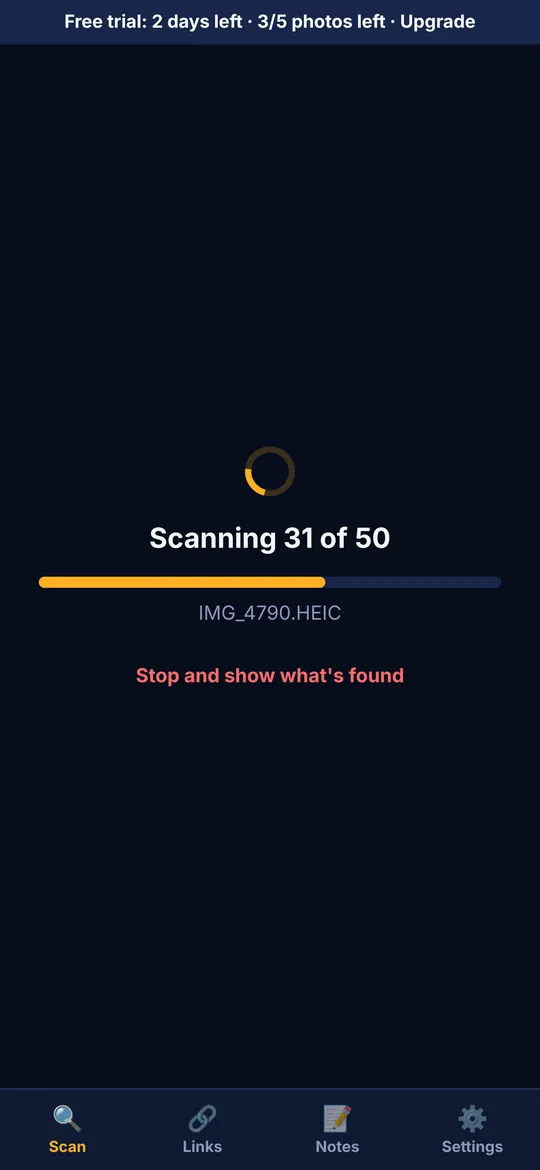
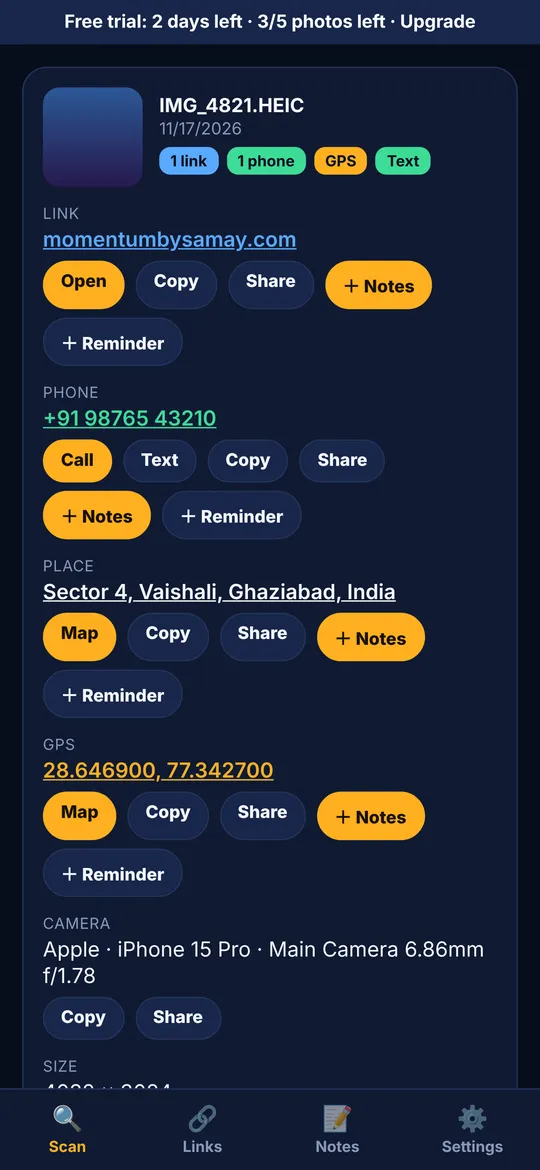
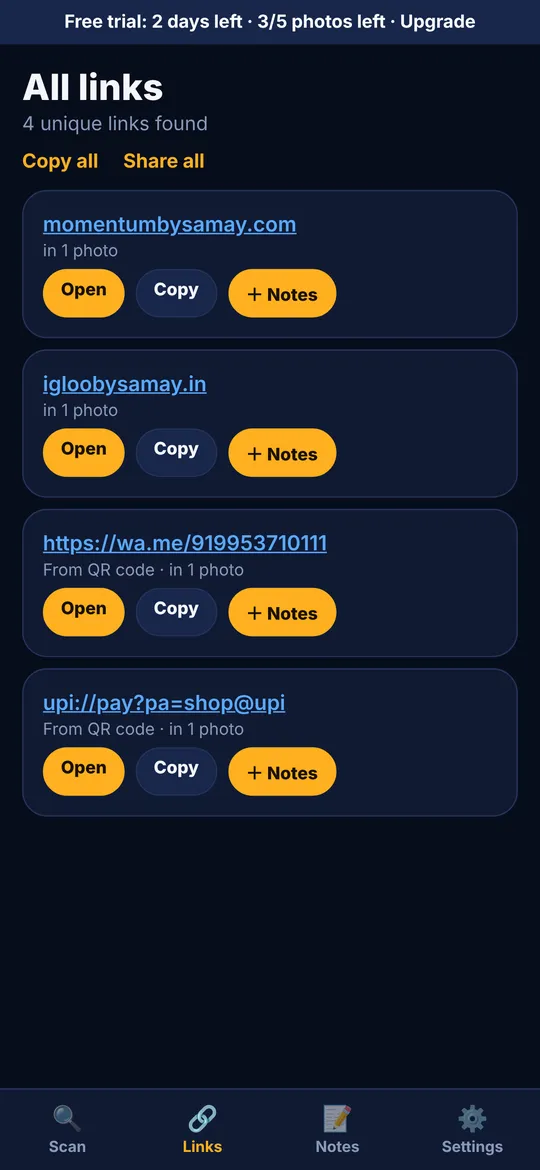
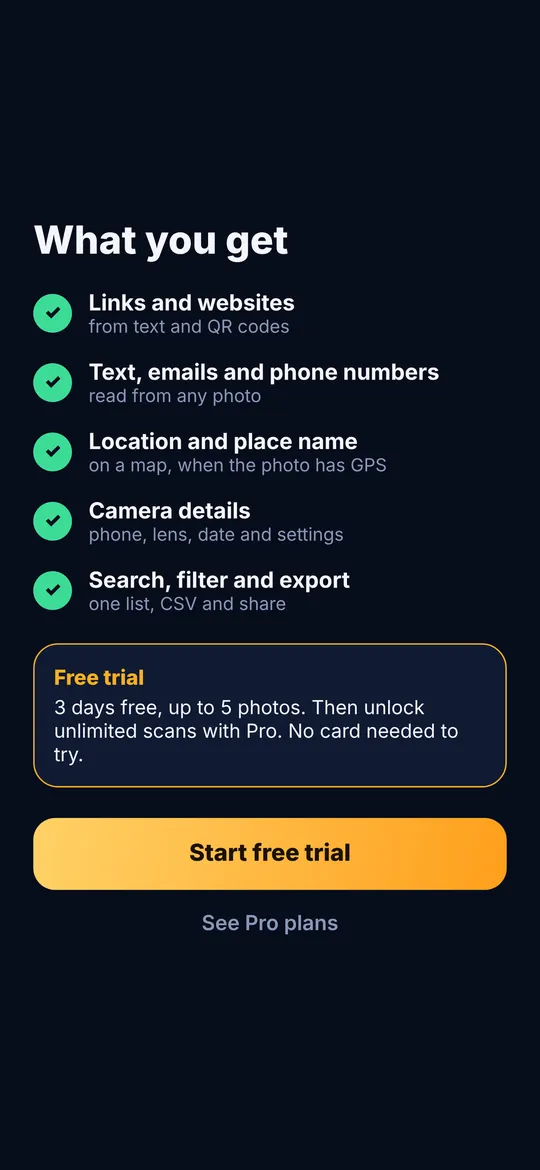
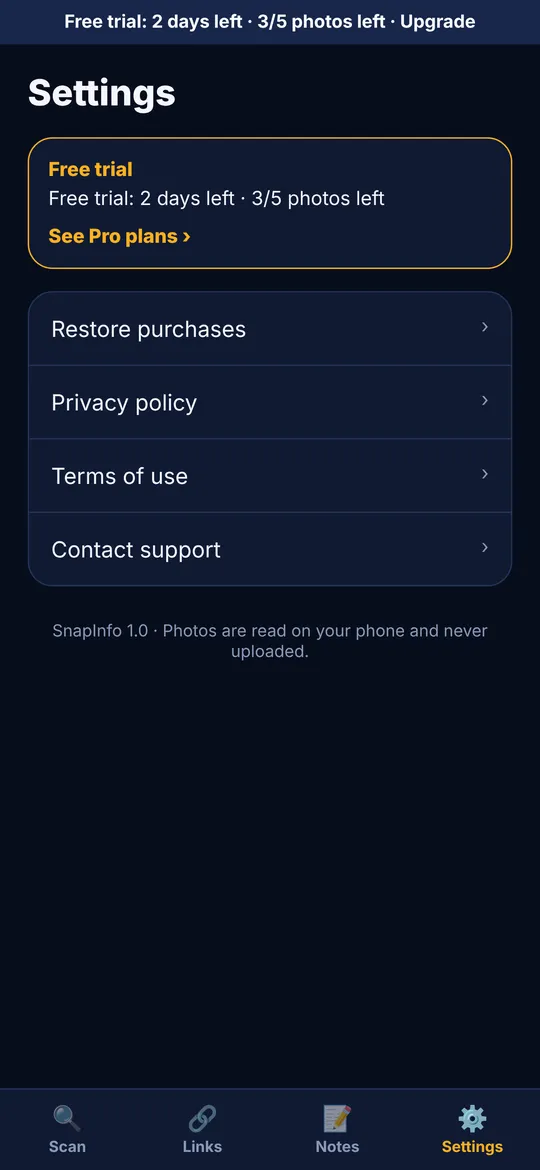
Screenshots from the app on iPhone.
About Photo Info Scanner
SnapInfo (Photo Info Scanner) reads your photos and pulls out the useful information hidden in them: website links, text, emails, phone numbers, QR codes, locations and camera details.
You choose how many photos to scan, newest first, and where from: all photos, Screenshots only, or a single album. Reading happens on your phone only and nothing is uploaded.
Scan only what you want
Choose 20, 50, 100, 250 or 500 photos, or type any number. Scan the whole library, just Screenshots, or one album. Results appear while the scan runs, and you can stop early and keep what was found.
What it finds in each photo
Links and websites from visible text and from QR codes, phone numbers and emails, place names and map coordinates when the photo has GPS, and camera details such as phone model, lens, date and settings.
Act on results straight away
Open a link, call or text a number, open a place on the map, copy or share any item, or add it to Notes or a Reminder. Select several photos and export everything to CSV.
Private by design
Photos are read on your phone and are never uploaded. SnapInfo asks for photo access once and explains why before the system prompt.
How Photo Info Scanner works
- 1
Allow photo access
Tap Continue on the permission screen. Nothing leaves your phone.
- 2
Choose how many photos
Pick a number and a source, then tap Scan.
- 3
Review the results
Search, filter by link, location or text, and open any photo for full details.
- 4
Save or share
Copy, share, add to Notes or Reminders, or export to CSV.
Photo Info Scanner at a glance
| Category | Utilities |
|---|---|
| Platforms | iPhone, Android |
| Status | In development |
| Pricing | Free trial, then the same plans as our other apps. |
| Publisher | Klenzer Apps |
| Support | samayhuf@gmail.com |
| Legal | Privacy · Terms · Support |
What you get with Photo Info Scanner
- 1
Choose how many photos to scan
- 2
Extracts website URLs, text and location from each one
- 3
YouTube mode: paste a link and get the websites mentioned
- 4
3-day free trial, up to 5 photos
Photo Info Scanner pricing
| Plan | What you get | Price |
|---|---|---|
| Free trial | 3 days, up to 5 photos. No card needed to try. | Free |
| Pro | Unlimited scans after the trial. | See app |
Prices can differ by country and are shown in the store before you buy. Prices can differ by country.
Questions about Photo Info Scanner
What does SnapInfo extract?
Links and websites, text, emails and phone numbers, QR code contents, place names and GPS location, and camera details.
Are my photos uploaded?
No. Photos are read on your phone only.
Can I scan just screenshots?
Yes. Choose All photos, Screenshots or a specific album before you scan.
Is there a free trial?
Yes, 3 days and up to 5 photos, with no card needed. Pro unlocks unlimited scans.
Where can I get Photo Info Scanner?
Photo Info Scanner is built for iPhone and Android. Store links appear at the top of this page as soon as they are added.
How much does Photo Info Scanner cost?
Free trial, then the same plans as our other apps.
Where do I get help with Photo Info Scanner?
Email samayhuf@gmail.com or visit the support page.
What data does Photo Info Scanner collect?
Read the privacy policy and terms of use.
Who publishes Photo Info Scanner?
Klenzer Apps, 444 Alaska Avenue, Suite #CRY683, Torrance, CA 90503, USA. See the About page.