ClearScan
In testing iPhoneClearScan is a utilities app for iPhone. Document scanner with no watermark, ever. Clean scans with no watermark.
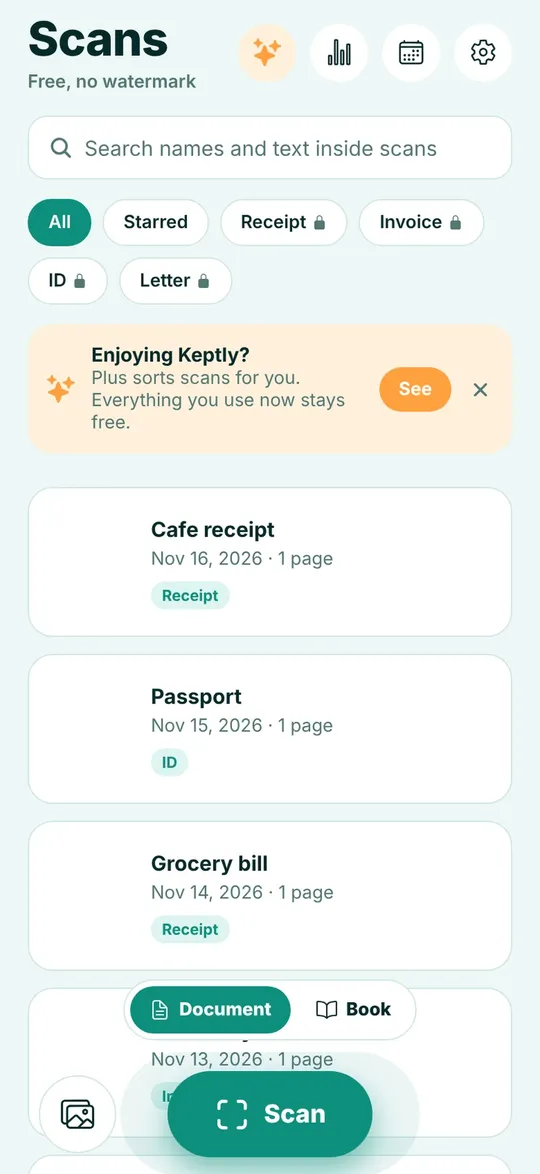
ClearScan screenshots
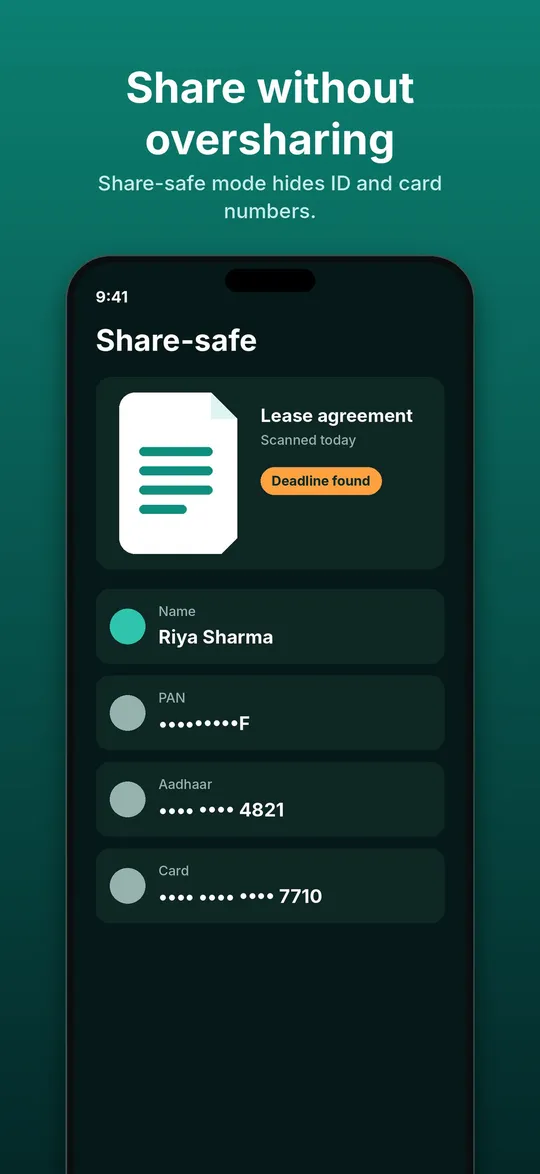
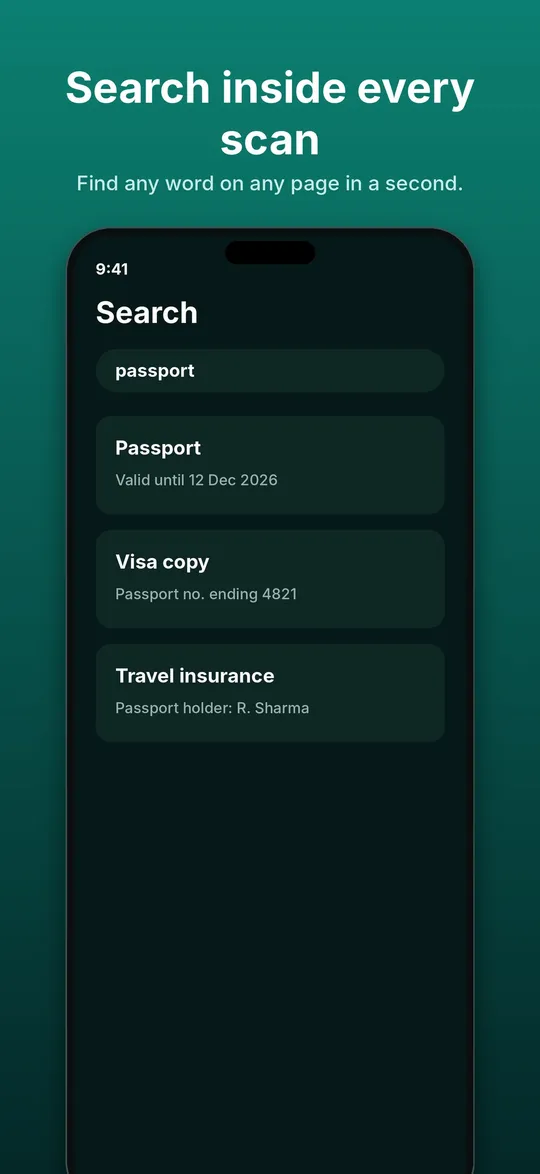
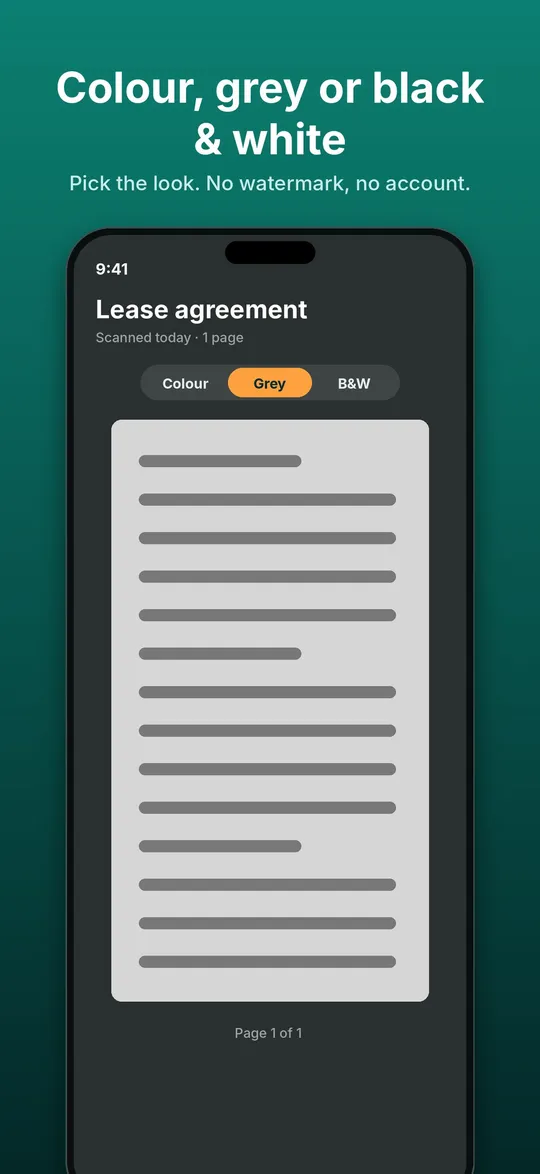
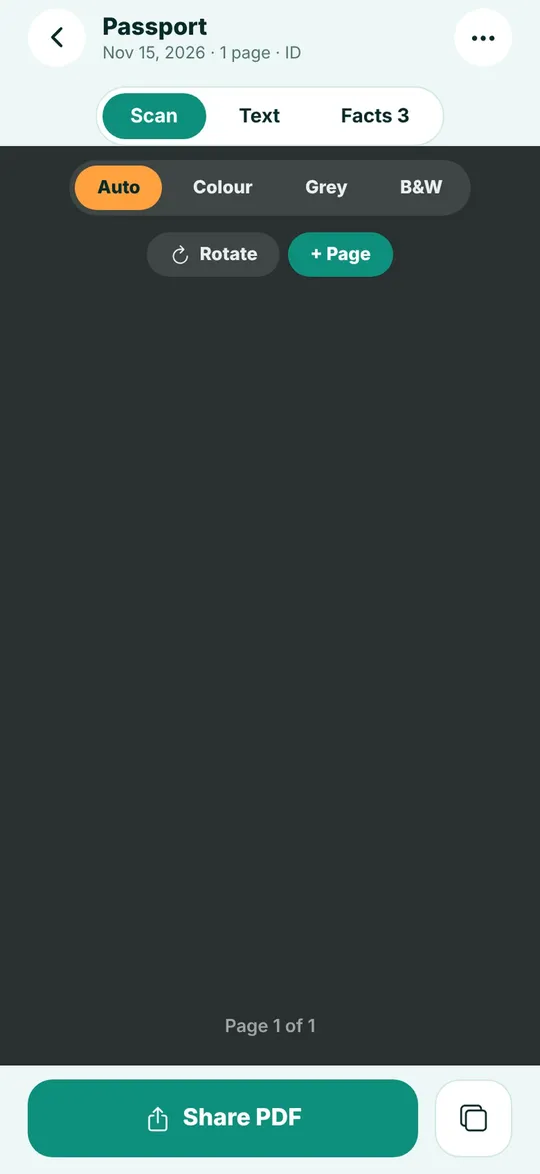
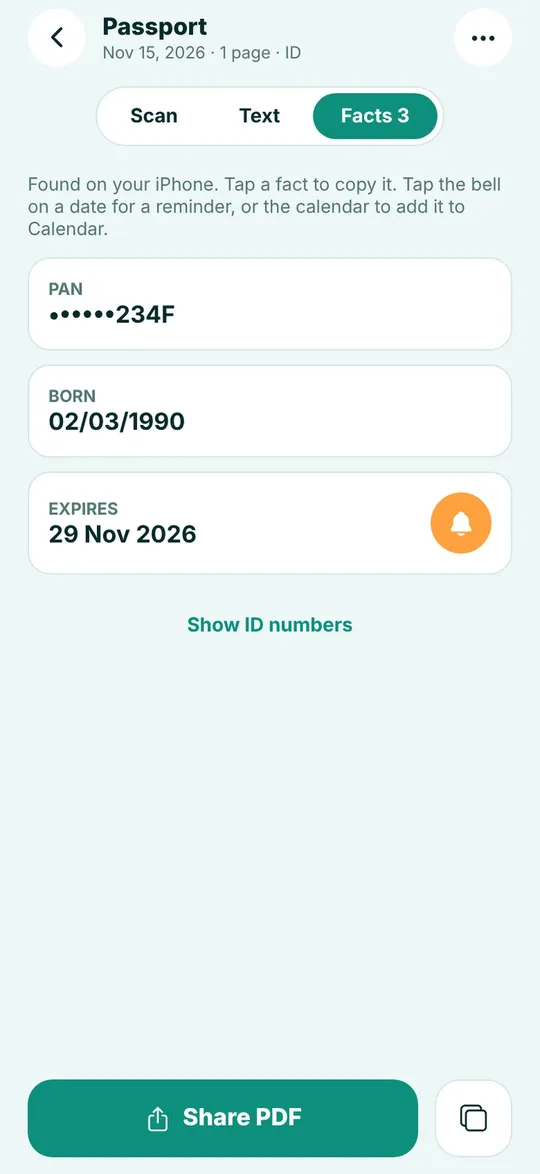
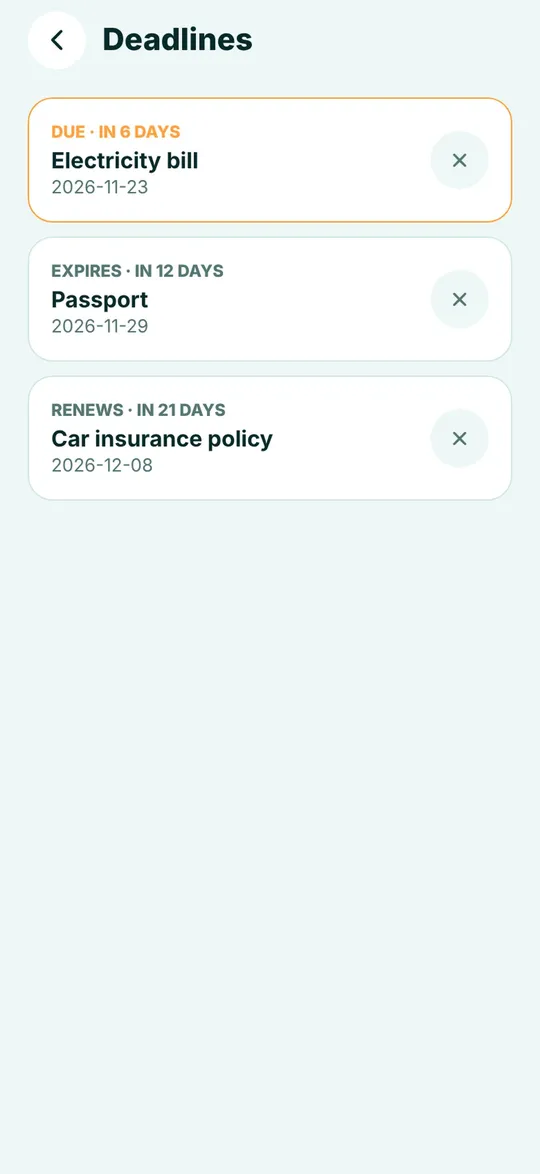
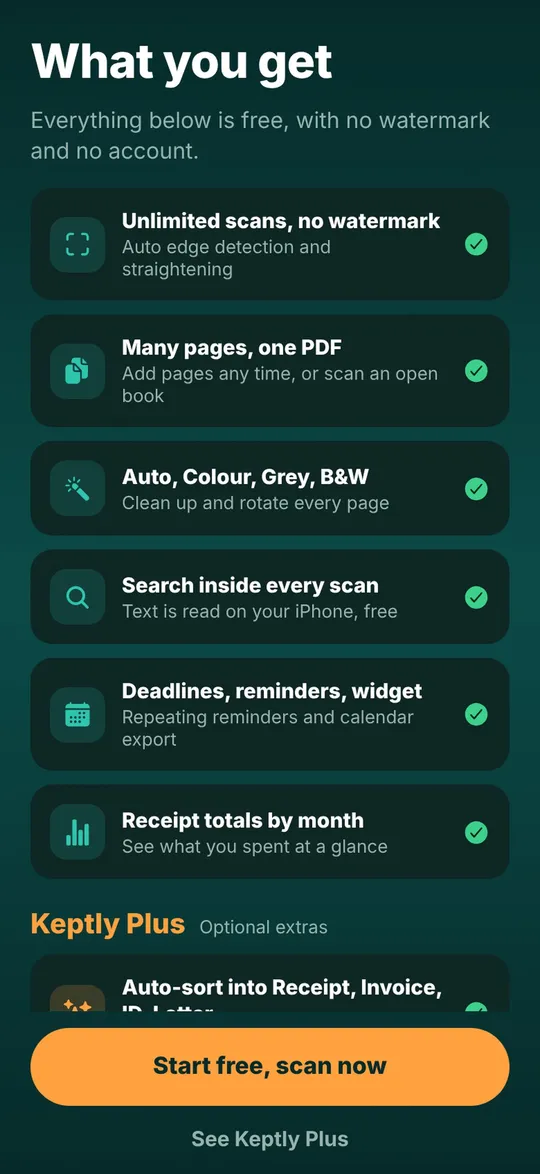
Screenshots from the app on iPhone.
About ClearScan
Keptly (ClearScan) is a document scanner with no watermark and no account. Unlimited scans, automatic edge detection and straightening, and many pages in one PDF are free.
Text is read on your iPhone, so you can search inside every scan, pull out facts such as dates and ID numbers, and get reminders before a bill is due or a document expires.
Private by design
Many scanner apps upload your pages to read them. Keptly reads the text on your phone, which matters for IDs, bills and contracts.
Share-safe mode
Hide ID and card numbers before you share a document, so you send what is needed and nothing more.
Deadlines and reminders
Keptly finds due dates, expiries and renewals and lists them with days remaining. Add repeating reminders, export to Calendar, or use the widget.
Receipts and totals
Receipt totals by month show what you spent at a glance.
Keptly Plus (optional)
Optional extras such as auto-sorting scans into Receipt, Invoice, ID and Letter. Everything you already use stays free.
How ClearScan works
- 1
Scan
Choose Document or Book mode and point the camera. Edges are detected and straightened automatically.
- 2
Clean up
Pick Auto, Colour, Grey or B&W, rotate, and add more pages to the same PDF.
- 3
Search and review facts
Find any word on any page, and check dates and numbers found on your phone.
- 4
Share
Share a PDF, using Share-safe mode when it contains IDs or card numbers.
ClearScan at a glance
| Category | Utilities |
|---|---|
| Platforms | iPhone |
| Status | In testing |
| Pricing | Free core features with an optional subscription. |
| Publisher | Klenzer Apps |
| Support | samayhuf@gmail.com |
| Legal | Privacy · Terms · Support |
What you get with ClearScan
- 1
Clean scans with no watermark
- 2
Free text recognition (OCR) that runs on your device
- 3
Private by design, nothing leaves your phone to read a page
- 4
Friendly onboarding and smooth animations
ClearScan pricing
| Plan | What you get | Price |
|---|---|---|
| Free | Unlimited scans, no watermark, search, deadlines and receipt totals. | Free |
| Keptly Plus | Optional extras such as auto-sorting. | Shown in the store |
Prices can differ by country and are shown in the store before you buy. Prices can differ by country.
Questions about ClearScan
Does it add a watermark?
Never.
Do I need an account?
No.
Does it upload my documents?
No. Text recognition runs on your iPhone.
Can it hide my ID numbers when I share?
Yes, Share-safe mode hides ID and card numbers.
Is it free?
Core features are free. Keptly Plus is an optional extra.
Where can I get ClearScan?
ClearScan is built for iPhone. Store links appear at the top of this page as soon as they are added.
How much does ClearScan cost?
Free core features with an optional subscription.
Where do I get help with ClearScan?
Email samayhuf@gmail.com or visit the support page.
What data does ClearScan collect?
Read the privacy policy and terms of use.
Who publishes ClearScan?
Klenzer Apps, 444 Alaska Avenue, Suite #CRY683, Torrance, CA 90503, USA. See the About page.